Data Recovery Steps: What To Do If Your Hard Drive Fails
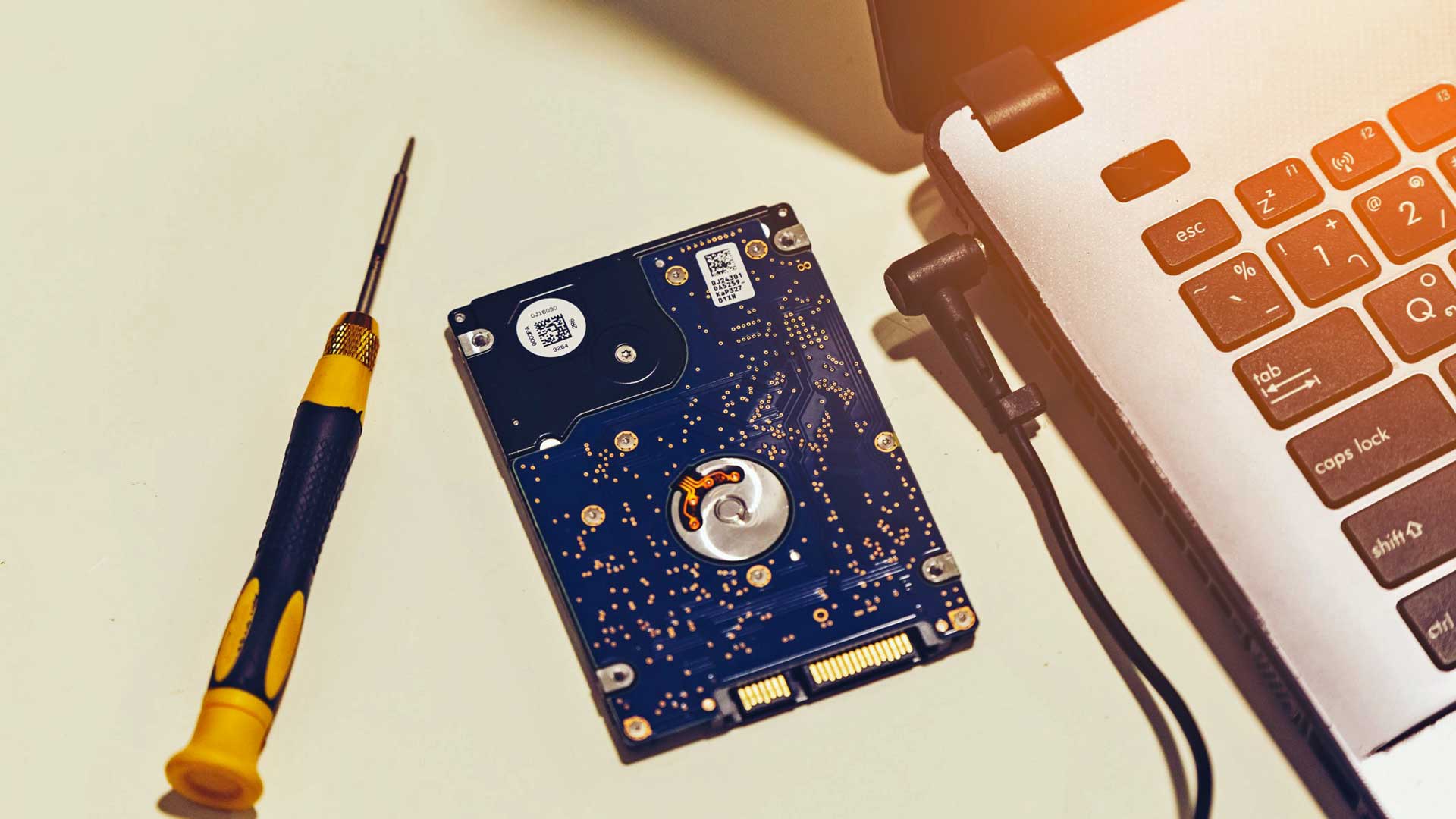
For many individual users and even companies, this is a necessary service that can help in a wide array of situations, from physical and mechanical damage of your storage device to user deletion and error. you've encountered any of the problems above, get in touch with a certified data recovery provider to get your digital files in order once again.
How Can I Recover My Data?
Whether you own a desktop or a laptop, every digital storage media and electronic device contains information. Unfortunately, that information can be rendered useless in the event of a logical or mechanical failure. In times like this, you'll need to go through a process called data recovery to retrieve inaccessible data. The kind of recovery process will depend on the type of media.
For instance, if the failure is mechanical — such as physical, water, or fire damage — recovering files will need to be handled by a certified technician and a Cleanroom facility. But if the failure was from a logical cause, such as an operating system failure or user error and deletion, then a technician will need to use specialized software to recover the lost data.
Steps You Should Take if Your Hard Drive Fails
There will come a time when the unexpected happens. When you think you've done everything right by saving your work, yet your laptop or computer fails to boot up or maybe you spilled liquids all over it. Here, we've compiled every step you need to know into an easy-to-understand guide should your hard drive stop working.
- If your drive isn't working, unplug it immediately — this is especially true if you hear a clicking noise. Don't forget to disconnect the device from the power source and place it in a safe place. Take care that it doesn't get broken, shaken, or get too hot or too cold where you put it.
- Do not attempt to open the broken drive yourself. This can lead to your warranty becoming void and may even severely damage the components on your drive. In addition, you might accidentally make your files completely inaccessible or overwrite them. Once a file is overwritten, there is a high chance that you'll never be able to get the original. So while it may be tempting to try and retrieve data on your own, avoid tampering with your device.
- Immediately
contact a data recovery specialist like Advancify so they can perform an initial assessment and provide you with the next steps. Typically, data recovery will take hours if you use data recovery software, which will dig through the damaged hard drive to locate the needed files.
Other data recovery cases may need specialized facilities and various technicians to handle, particularly if huge amounts of data was lost. If the job is highly complicated, it might take days or even weeks to make sure that all the lost data will be accessible again. - Look for packing materials to safely ship your drive, data components, and device to be repaired. A team of specialists can't recover the lost data unless they have the devices that hold all of your data.
Why Choose Advancify?
Advancify's data recovery specialists have been successful in recovering data from media that other companies deemed unrecoverable. Our team has a proven track record for retrieving data from encrypted devices, water, and fire-damaged cases and media that has been logically damaged.
We also respect our client's privacy and perform recovery jobs in-house when possible, or with trusted third-party partners. Furthermore, we use a secure environment, to give you the best chance of retrieving your files. We use our own tools and have performed services on every kind of device on the market.
We understand how important your data is, and we're to make the recovery process as painless as possible.
Advancify News Network